
One home, one conversation, scene by scene.
Follow an evening and a morning with HomeAI: what was asked, what HomeAI did, and what it confirmed.
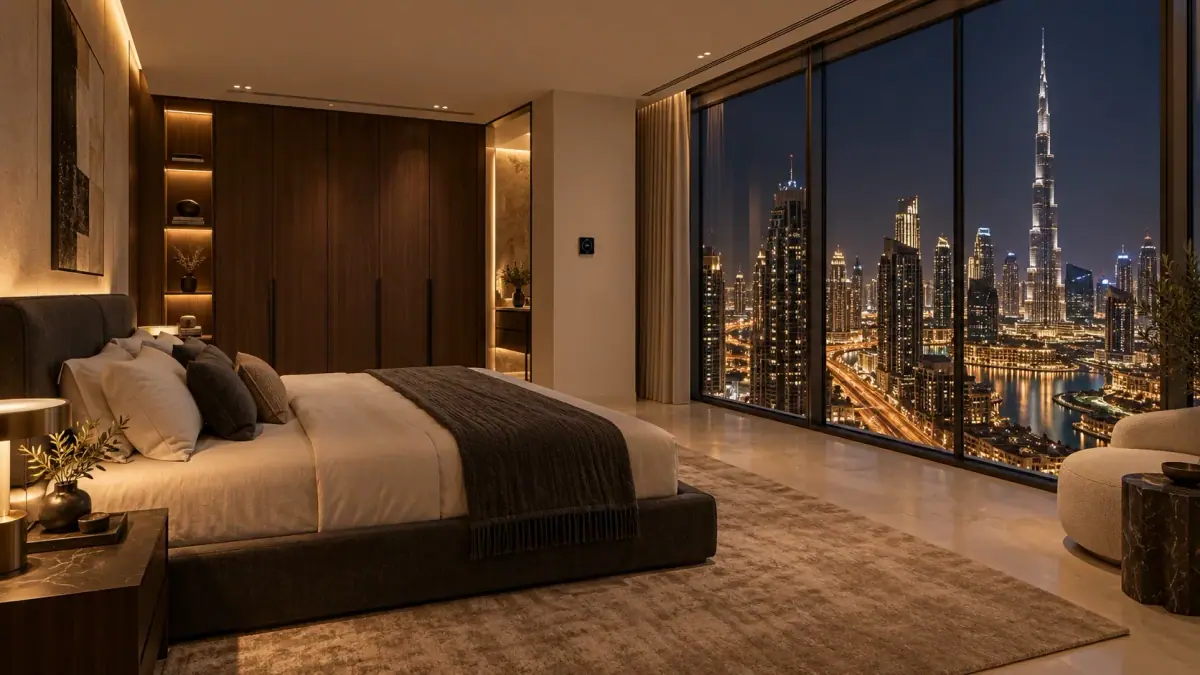
“HomeAI, wake the kids at 5 AM tomorrow.”
Before: It is 9:40 PM. No wake-up is set for the children’s rooms. Nothing in those rooms should change tonight.
Then: HomeAI confirms the rooms — “Bedroom 2 and Bedroom 3, 5:00 AM?” — then schedules their Wake-up routine: lights fading up from 4:55, a gentle alarm on the room speakers at 5:00, curtains opening, AC moving to 24 °C.
Confirmed: “Wake-up set for 5:00 AM in Bedroom 2 and Bedroom 3.” At 5:00 HomeAI runs it and reads every device back.
“HomeAI, I’m back.”
Before: It is 8:30 PM. Entrance lights are at their ordinary setting. Music is off.
Then: After the sentence ends, entrance and living-room lights move to your warm evening scene. Curtains, AC and music are left alone.
Confirmed: “Welcome home.” The console shows the evening scene is active.
“HomeAI, prepare my bedroom.”
Before: Master bedroom: current 24 °C, target 24 °C, curtains open, lights at 70%, audio off.
Then: HomeAI runs your approved Evening routine: sets the AC target to 20 °C, closes the fitted curtains at motor speed, dims the lights to 20% and starts sleep audio at volume 10.
Confirmed: HomeAI reads back each device. The room is still 24 °C — it is now cooling towards 20 °C.

The doorbell and two-way talk
Before: Sarah presses the doorbell once. The front door is closed and locked. The nearest screen shows the doorbell video.
Then: After you finish speaking, two-way audio opens between the console and the doorbell.
Confirmed: “Hello?” — “It’s Sarah.” The door stays closed and locked until you decide.
“HomeAI, let Sarah in.”
Before: The front door is closed and locked. This door is set to ask for confirmation on the owner’s phone.
Then: Your phone asks “Unlock front door for Sarah?” You confirm with biometrics. The lock opens; Sarah opens the door by hand, comes in and closes it; the door contact reports Closed, then the door relocks.
Confirmed: Front door opened for Sarah · Door closed · Locked.

Motion in the courtyard at 1:12 AM
Before: 1:12 AM. HomeAI Guard is in NIGHT. Courtyard lights are off. The courtyard camera records on motion.
Then: The motion sensor triggers your configured response: courtyard lights on, the camera saves a clip, and HomeAI checks the gate and perimeter. The dedicated alarm panel — not HomeAI — decides whether anything is an intrusion.
Confirmed: “Motion in the courtyard. The camera shows a cat near the planters. The side gate is closed and the perimeter has not been triggered. Clip saved.”

“HomeAI, goodnight.”
Before: Downstairs music and lights are on. The front door is already closed and locked. HomeAI Guard is in HomeAI mode.
Then: Music fades, unused lights turn off, and the dedicated alarm panel checks configured doors and windows before arming NIGHT. The lock does not cycle. Your prepared bedroom keeps its settings.
Confirmed: “Goodnight. The perimeter is armed.” If a window were open, HomeAI would tell you rather than hide it.
When the internet drops
Before: The internet is unavailable. HomeAI Core and your home network are still powered.
Then: The kitchen lights turn on over the local network.
Confirmed: “Done.” Local control active. Remote phone video and online music services wait until the internet returns.


Capabilities depend on your property and the equipment installed. See a full day with HomeAI.